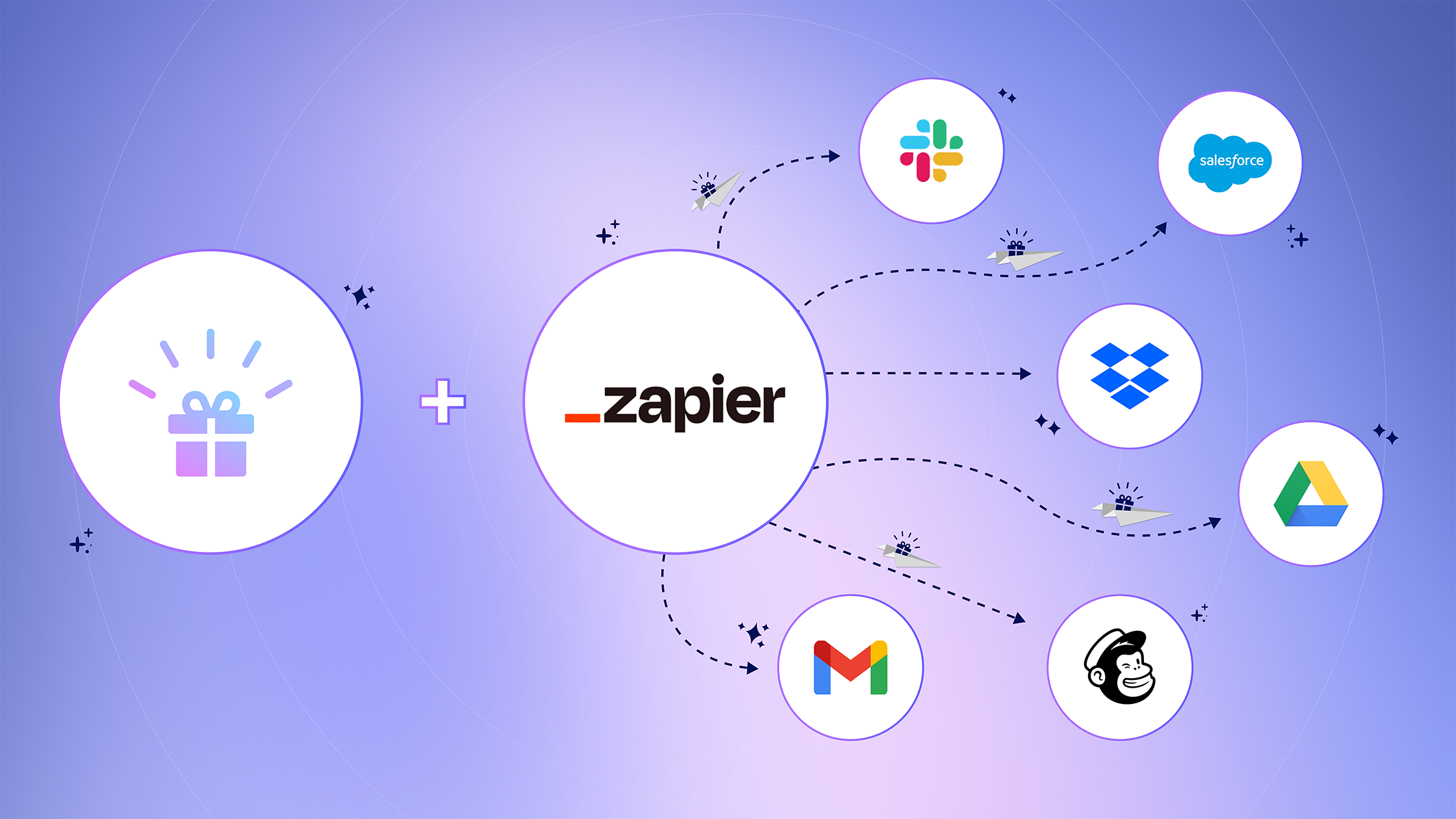
We’re thrilled to announce that Goody is now available on Zapier, the renowned automation platform that connects thousands of business apps without code.
With this integration, Goody takes gifting to a whole new level, allowing businesses to automate digital cards and gifts to employees, customers and prospects, using triggers from Salesforce, HubSpot, Marketo, Google Workspace, and 5,000+ more apps.
The new Zapier integration is available for all Goody for Business users, on all plans.
Connect with thousands of business apps.
Zapier enables you to integrate Goody with your favorite business tools, such as Salesforce, Marketo, HubSpot, Slack, Microsoft Teams, DocuSign, Google Workspace, and many more. Whether you’re looking to connect your favorite productivity app, marketing automation platform, or CRM, chances are, it’s on Zapier.
Automate gifts without code.
Whether you’re looking to thank SurveyMonkey respondents, celebrate a DocuSign contract signature, or show appreciation for a client who’s about to renew, you can do it all, hands-free. You simply set up a trigger, such as a new HubSpot contact added to a list or a new email added to a Google Sheet. Then add a gift, card, and message, and configure your gift settings.
Send gift data back to your productivity tools.
Goody’s two-way sync means you can also send notifications and data back to apps that your team uses. For example, you can trigger Slack notifications whenever sales gifts are accepted, to ensure your team follows up quickly.
How are companies using Goody + Zapier?
With 5,000+ apps available to connect on Zapier, the possibilities are literally endless. That’s why we’ve put together recipes for some of the most common use cases:
- Send Goody gifts to new contacts added to a HubSpot list. If you use HubSpot for sales or marketing, then you can use this Zap to send gifts to customers, prospects, or even event registrants automatically.
- Send Goody gifts to new Marketo leads. If your company uses Marketo as its marketing automation platform, then you can trigger gifts based on any filters and criteria that you define.
- Send Goody gifts for new Google Forms responses. Are you offering survey respondents an incentive, such as an Amazon gift card, for their response? Fully automate it with this Zap. (Please note, we have similar recipes for Typeform and SurveyMonkey surveys too!)
- Send Slack channel messages when new Goody gifts are accepted. If your company uses Slack to stay productive and collaborate, then this workflow can make sure you know about your team’s gift activity in real time.
- Create rows in Google Sheets when new Goody gifts are accepted. Simple but mighty, you can use this Zap to easily and automatically track gifts.
How to get started
These are just a few of the ways you can use Goody + Zapier.
If you’re ready to dive in, you can learn how to connect Goody and Zapier and configure your Zaps with our getting started guide.
If you’re wondering whether Zapier can support your use case or how to best set up a Zap, don’t hesitate to chat with us here, or book time with our product experts. We’d love to help!
-min.png)
%20(1).png)
.png)