.png)
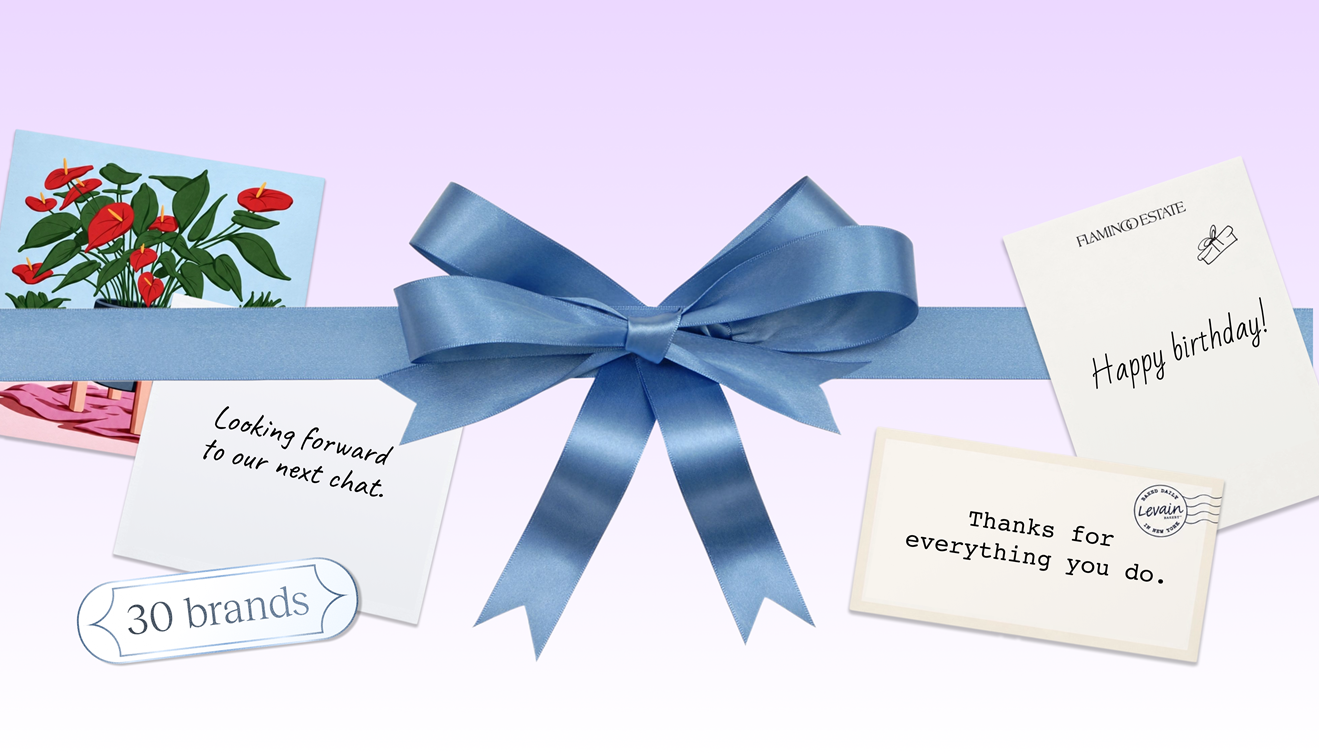
Since Goody launched in 2020, our strategy has been to take the manual effort out of sending gifts. Fast forward six years, and our new gifting MCP takes that idea further than we could have ever predicted.
The Goody MCP (Model Context Protocol) is an easy-to-set-up tool that integrates gifting into your AI-powered services, whether it’s Claude, ChatGPT, or any MCP-compatible layer of your tech stack.
The end result? An AI-powered gifting assistant that can handle complex tasks and automations at scale.
“If there’s any type of gifting workflow you’re doing manually, there’s a high chance you can now delegate it to an AI agent,” says Keyfer Cisek, VP of AI at Goody. “You just set it up, build a new routine or connect it to one you already have, and let Goody handle the rest.”
Your personal AI-powered gifting assistant
There’s a reason business gifting often gets delegated by execs to less senior team members. It’s manual. A big deal closes, a prospect goes cold, an employee goes above and beyond. Even with a corporate gifting platform like Goody, a sender has to stop what they're doing, open a new tab, find the right gift, write the card, and send it.
The Model Context Protocol changes that. And today, Goody is the first gifting platform to offer a self-serve MCP that scales to all roles at a company, from admin to HR to revenue teams.
What that means: gifting is now a programmable layer in your AI stack. You can connect it alongside your CRM, your calendar, your sales tools, and every other MCP your team uses, and trigger gifts the same way you trigger any other automated action.
.png)
What even is an MCP?
This is new for us, too!
MCP stands for Model Context Protocol, an open standard that lets AI assistants connect to external tools and data sources. Think of it as a universal adaptor.
Before MCP, every AI assistant had to build its own custom integration with every tool it wanted to reach. That was slow, fragile, and limited. MCP gives any compliant AI assistant a standard way to call any compliant tool: your CRM, your calendar, your gifting platform, your database, all through the same protocol.
For you, that means your AI assistant stops being a place to get answers and starts being a place to get things done. You describe a task in plain language; the assistant executes it across whatever tools you've connected, in a single conversation.
Goody is now one of those tools.
What makes an MCP powerful is that it can handle tasks that require discernment, multistep processes and even judgment calls, all via natural language. You can make commands like “Send a welcome gift when people with senior marketing titles at 100+ employee companies sign up for my platform” – the kind of thing that would take rigorous effort and skill to program deterministically.
How to get started
For full documentation, setup guides, example prompts, a complete tool reference, and instructions for other MCP clients, visit the Goody Developer Hub.
You'll need a free Goody account. Or you can create one during setup.
If setting up an MCP sounds rather technical and daunting, it’s not. Much like vibe coding tools have made web development as easy as typing a text prompt, Goody’s MCP offers the power of a gifting API without the learning curve.
“The craziest thing about the Goody MCP is how easy it is to set up and use,” says Keyfer Cisek. “A non-engineer can install it and start sending gifts in about five minutes. If you’re not technical, you’re in for a pleasant surprise.”
How to install in Claude
In Claude, go to Settings → Connectors → Add custom connector and enter:
https://api.ongoody.com/mcp/v1
Sign in to Goody, approve the permissions, and you're connected. The same URL works in ChatGPT, Cursor, and any other MCP-compatible client.
Depending on your Claude permissions and organization rules, you may need to ask your Claude admin to install the custom connector.
Once installed, simply open a new chat in Claude Cowork and provide any task in natural language, like “I want to send a thank you gift.” The MCP will take it from there.
How to install in ChatGPT, Cursor or other tools
The same URL works for ChatGPT, Cursor, or any MCP-compatible platform: https://api.ongoody.com/mcp/v1
Similar to Claude, you may need to ask your organization’s ChatGPT Admin to add a custom MCP connector (or custom app).
Who should use it?
The Goody MCP can be useful for any professional who wants to send gifts in their role. For example:
Go-to-market teams who want gifting wired to business signals. The Goody MCP works alongside your other connected tools (CRM, calendar, prospecting tools) so gifts can fire at the right moment in the deal or lead cycle, not whenever someone remembers to send one.
Professionals building AI-powered workflows who want gifting as a part of their stack. Connect Goody alongside your other MCPs and gifting becomes a native action in any workflow you build.
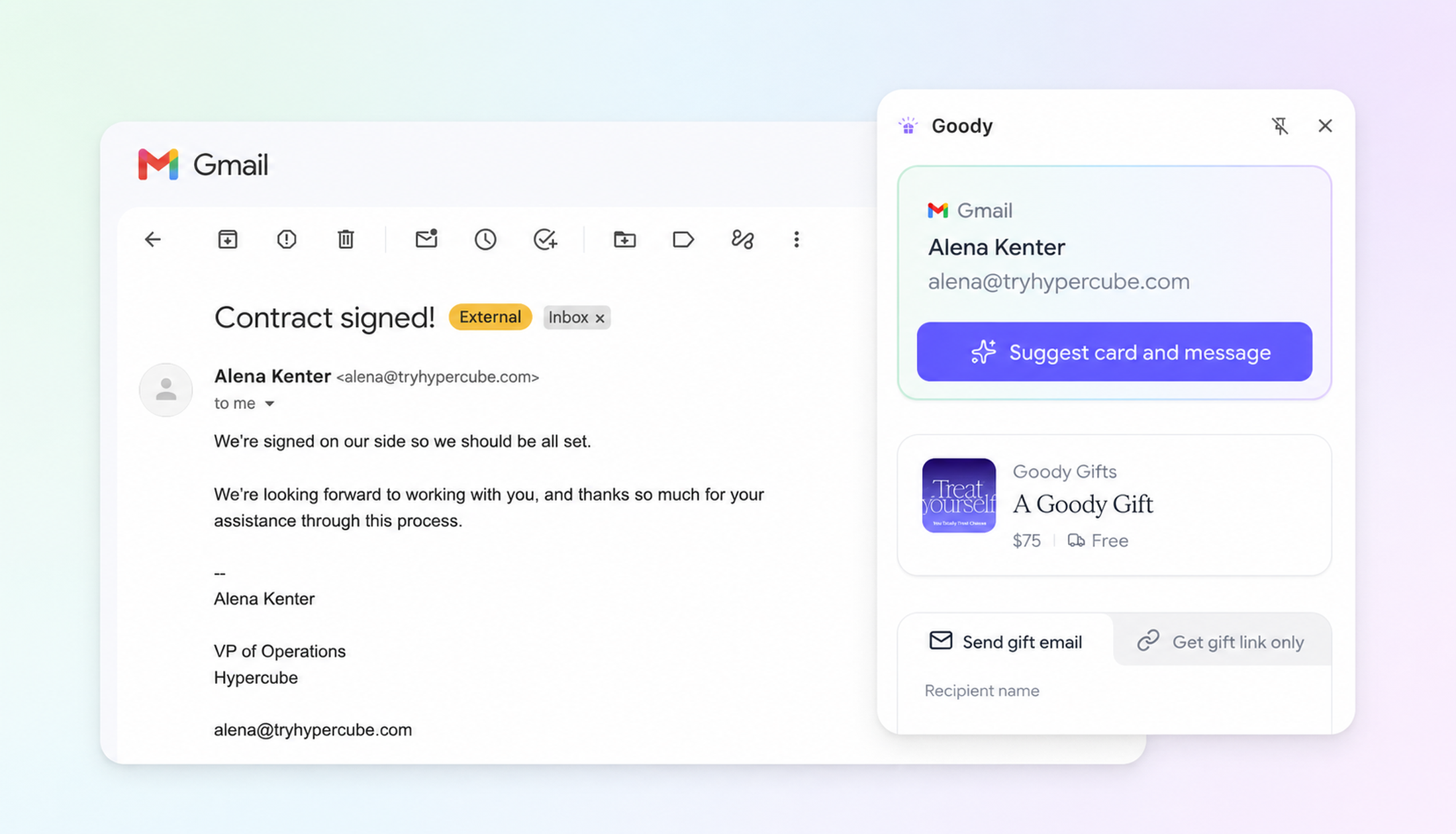
AI assistant users who just want to send a great gift in an AI chat interface. Whether you're in Claude, ChatGPT, or another MCP-compatible assistant, describe what you're looking for and the assistant finds it, prices it, and sends it, all in the same conversation.
What you can do
- Search Goody's catalog in plain language and get curated matches
- See AI-powered gift, card, and message suggestions based on any information you provide
- Price a gift in full (subtotal, shipping, and estimated tax) before anything is charged
- Send by email or gift link; recipients enter their own shipping details when they accept
- Build and manage contact lists for group sends and automated workflows
- Combine with other MCPs to trigger gifts based on signals from your CRM, calendar, or other connected tools
You stay in control. You can review every gift before it’s sent and set daily budget limits.
Real gifting playbooks you can set up in minutes
For GTM professionals
Gifting at scale has long been an integral part of Revenue teams’ workflows. With the Goody MCP, intelligent automation becomes as easy as typing in a prompt.
- Close a deal → send a gift automatically. Your sales team closes an opportunity in your CRM. A connected AI workflow spots the trigger and asks: send a gift to the champion? The assistant pulls up a few options, drafts the card message, confirms the price. One approval and it's sent. No human has to remember to do it.
- Prospect books a meeting → warm them up before they show up. A prospect accepts an invite. Before the meeting even happens, you send a coffee gift card with a note: "Looking forward to connecting! Here’s a little token to thank you for your time.” Show rates improve instantly.
- Champion changes jobs → re-engage them at their new company. You track job changes for key contacts. The moment a champion lands somewhere new, your assistant flags it and offers to send a "congrats on the new role" gift, keeping the relationship warm before the competition gets there.
- New customer onboards → trigger a welcome gift. Wire the Goody MCP to your onboarding workflow. When a new customer hits the first milestone in your product, the assistant fires a welcome gift automatically. No SDR or CS rep needed to initiate it.
For professionals automating with AI
For professionals who use gifts as a relationship-building tool, the MCP opens up endless opportunities for automation and creativity.
- Send a thank-you gift while you're still in the conversation. You just wrapped a great call. Instead of opening Goody separately, you stay in Claude: "Find a thank-you gift under $75 for a client who mentioned she loves tea." You get matches, pick one, confirm the price, and send, without leaving the chat you were already in.
- Weekly birthday check-ins, on autopilot. Ask your assistant to check your Goody contacts for upcoming birthdays each Monday and surface anyone within the next two weeks. One prompt, recurring. No spreadsheet, no calendar reminder, no forgotten sends.
- Draft the email and send the gift in the same session. Writing a follow-up email after a proposal? Ask the assistant to draft the email and suggest a gift to send alongside it. Both done in the same conversation. Sent together.
“I have a scheduled task every day to look at my calendar. If there’s a first-time contact, I send them a Goody before we meet,” says Katy Carrigan, CEO of Goody.
Why we built it
AI assistants are only as powerful as the tools they can reach. As more teams build their workflows on Claude, ChatGPT, and other AI platforms, gifting was a conspicuous gap. As we looked at the gifting industry, we realized that no other platform had built a self-serve MCP that worked across all teams and departments.
Gifting is something go-to-market and people teams do constantly, but it lives entirely outside the AI layer. The Goody MCP closes that gap.
"The moment gifting becomes something you can wire into your AI stack, it stops being an afterthought and starts being a competitive advantage," says Carrigan. "We built the Goody MCP because gifting shouldn’t be a separate workflow. It should be part of the tools where relationships are built and maintained, whether that’s email, calendars, CRMs, or whatever comes next.”
Got questions?
Explore our developer portal for full documentation on how to set up and use the MCP, including capabilities and restrictions.
If you have specific questions or feedback, you can email our dedicated support channel, mcp@ongoody.com.
About the author